Feed Me: How to Use RSS in 2026 (It's Still Alive, I Promise)
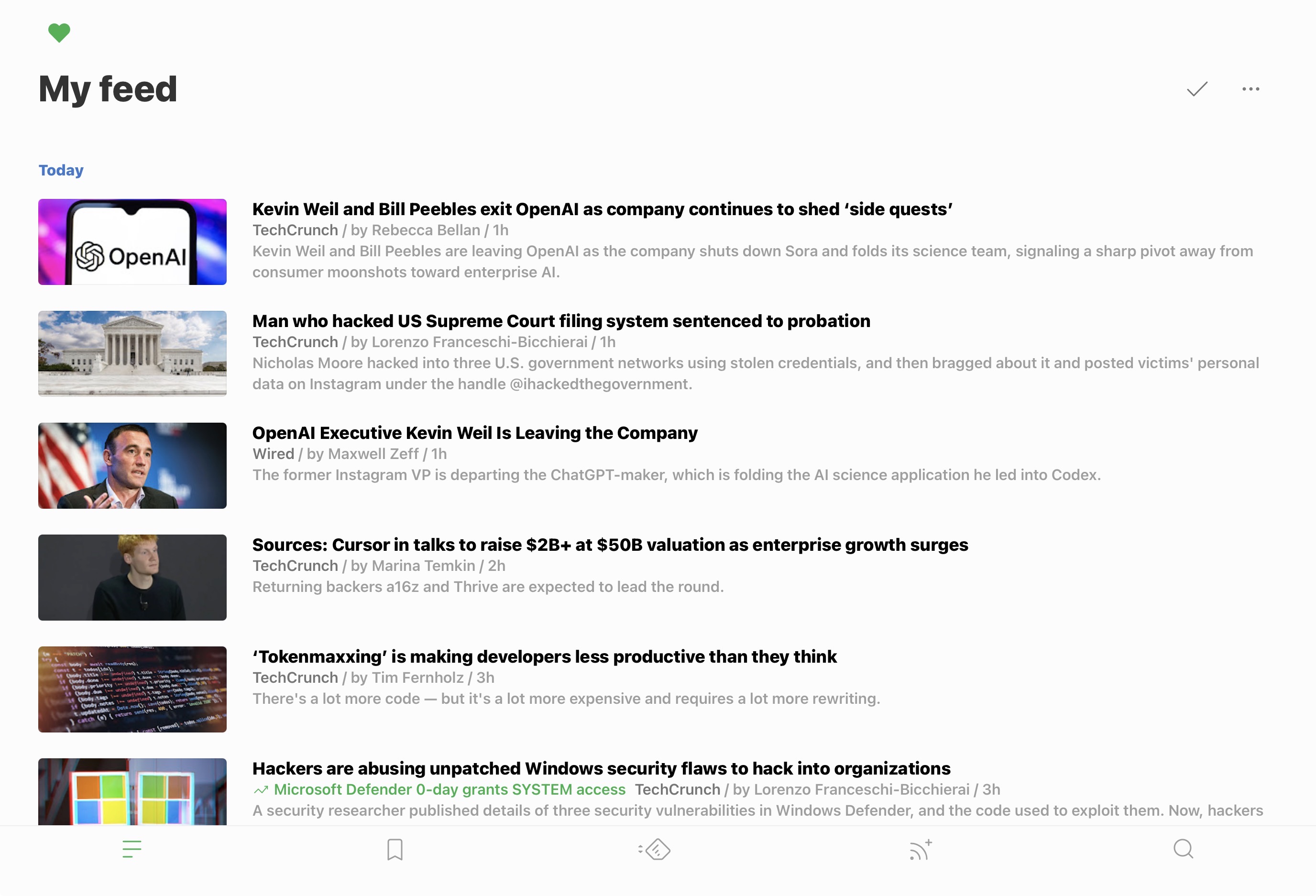
This site publishes an RSS feed at cofuente.io/rss.xml. If you already use a reader, paste that URL in and you’re done. If you’re not sure what any of that means — keep reading.
Get a Reader
An RSS reader is the app that checks your feeds and collects new posts in one place. Think of it as a social media timeline, except you chose every account and the algorithm is just chronological order.
Here are three good options:
- Feedly — My personal pick. Clean interface, solid iOS app, free tier covers most use cases. Good at organizing feeds into categories. Works on the web too, so your list follows you everywhere.
- NetNewsWire — Free, open source, native Mac and iOS. No account required — your feeds live on your device. Great if you want to stay off cloud services.
- Reeder — The power-user option. Beautifully designed, gesture-driven, syncs with most feed services. Paid, but worth it if you’re serious about your reading habit.
Pick one, install it, and come back.
Subscribe to a Feed
This might just blow your mind but I promise it’s true: every RSS feed is just a URL. It’s the reader that does the rest.
In fact, most sites don’t advertise their feed, but they still have one. You just have to know where to look:
Try common paths first. Append /rss.xml, /feed, or /atom.xml to any domain. A large number of sites — especially blogs, newsletters, and developer tools — publish their feed at one of these paths without ever linking to it.
Check the page source. Open any page, view source (Cmd+U on Mac), and search for alternate. You’re looking for something like:
<link rel="alternate" type="application/rss+xml" href="/rss.xml" />That href is the feed URL.
Use a browser extension. RSSHub Radar is a browser extension that detects feeds on any page you visit and shows them in one click. Useful when the above methods come up empty.
To subscribe to this site specifically: copy https://cofuente.io/rss.xml, open your reader of choice, find the “Add Feed” or ”+” button, paste the URL, and confirm. You’ll see new posts here appear automatically as they’re published.
Build Your Diet
Ok, I am guilty of this myself so it bears repeating: the biggest mistake I’ve made with my RSS-feeds was adding way too much junk for myself to read. I ended up with an inbox that overwhelmed me on the regular and inevitably started skipping whole categories. Not good for the ol’ noggin’.
If you’re like me, here’s few principles that help:
Start small. Add 5–10 feeds to begin with. Did you know the New York Times still does RSS feeds? So does Fortune, WSJ, and Yahoo News. I keep all the legacy media in a folder, and another one for my fav webcomics. Just remember to give yourself time to read them for a week or two before adding more. The goal is quality, not quantity.
Unsubscribe ruthlessly. If you scroll past a source every single time without reading it, cut it. There’s no algorithm to blame — that’s just a feed you don’t actually want but aren’t ready to admit it to yourself yet.
Think in categories. A good reader diet usually has a few layers: a handful of longform blogs you read carefully, a few sources you skim for headlines, and maybe some release feeds (GitHub repos, package changelogs) you check on demand. Separating these into folders in your reader makes the difference between a useful tool and another thing to clear.
Remember what it’s for. RSS gives you back the decision about what’s worth your attention. It’s a bastion of sanity in the age of social media chaos. The feed doesn’t promote posts based on engagement, doesn’t surface content from accounts you don’t follow, and doesn’t bury things you asked to see. What you subscribe to is what you get, in the order it was published.
If you want to add this blog to your rotation, the feed is at cofuente.io/rss.xml. New posts, no noise.